Most roundups of free website builders for photographers have a problem: several of the builders on them do not have a free plan. Squarespace, Format, Pixpa, SmugMug and Zenfolio all appear regularly on these lists, and every one of them offers a trial, not a free tier.
So we checked. Every plan below was opened on the vendor’s own pricing page in August 2026 and the free tier confirmed — storage limits, domain policy and all. Seven builders genuinely give photographers something for nothing. One famous name is on the list specifically to explain why it is not free, despite what it looks like.
| Builder | Free plan | Free storage | Custom domain | Best for | Paid from |
|---|---|---|---|---|---|
| Wix | Yes | Limited | Paid only | The most complete free offering | $19/mo |
| Pixieset | Yes | 3 GB | Paid only | Client galleries and delivery | $8/mo |
| Carrd | Yes | Small | Paid only | A one-page portfolio | $19/yr |
| SITE123 | Yes | 250 MB | Paid only | The least technical setup | $7.80/mo |
| Webador | Yes | Limited | Paid only | Simple site, domain later | Paid tiers |
| Behance | Yes | Platform-hosted | Never | Exposure, not a website | Free |
| Adobe Portfolio | No | Creative Cloud | Included | Existing Adobe subscribers | $9.99/mo |
Free tiers and pricing confirmed on each vendor’s pricing page, August 2026. These change often — check before you commit.
How We Checked
Free plans are the part of this industry where published information ages fastest, and where roundups are least reliable. Builders quietly convert a free tier into a trial, storage caps move, and a list written in 2023 keeps ranking in 2026 as though nothing has changed.
So we opened every pricing page ourselves in August 2026, with a real browser and cookie banners dismissed, and recorded three things: whether a permanent free tier exists at all, what the storage allowance on it is, and whether a custom domain is possible without paying. Anything we could not see stated on the vendor’s own page is not claimed here.
That process removed six well-known names from the list. It also changed how one of them is described: Adobe Portfolio is on almost every free roundup, and its own homepage says “Free with Creative Cloud” — which is a subscription, not a free plan. It is included below with that stated plainly rather than left off.
Best Free Website Builders For Photographers
1. Wix
- Free plan
- Yes — free forever
- Best for
- The most complete free plan
- Palette sampled from the page
- #FFFFFF#9ACDE6#4A4040#C3EAFA#827067
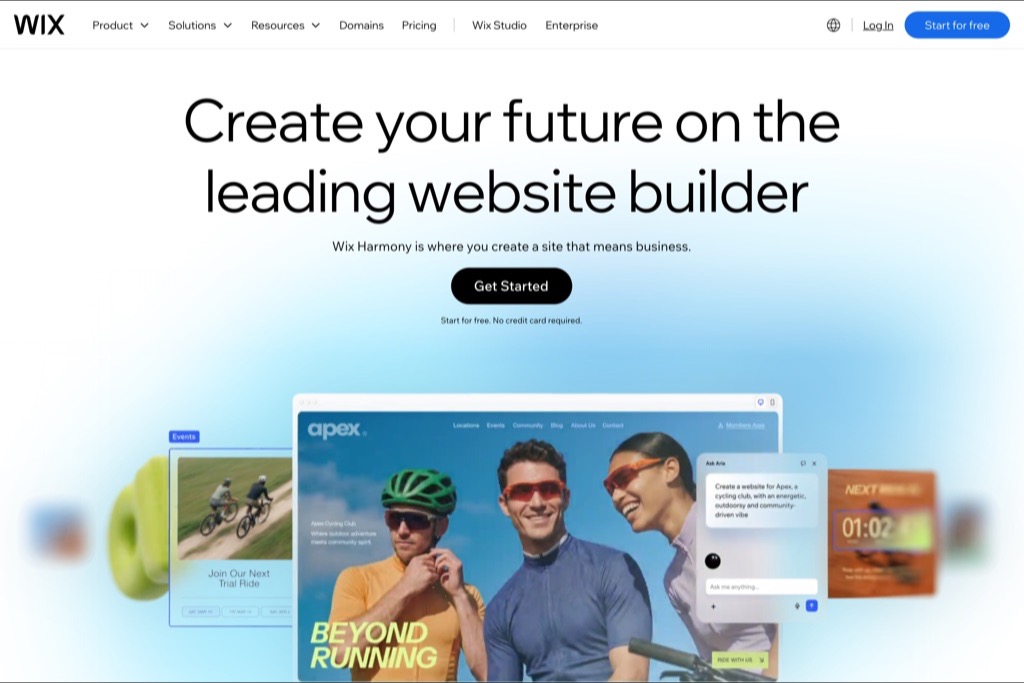
Wix is the only builder here where the free plan gives you something close to the real product. You get the full editor, the whole template library, and the gallery and booking features that make the paid plans worth buying — the restriction is on the address and the branding, not on what you can build.
The trade is that your site lives on a Wix subdomain and carries Wix’s own branding until you upgrade. For a photographer that matters more than it would for most businesses: a portfolio at yourname.wixsite.com tells a prospective client exactly how much you have invested in the business.
Pros
- Genuinely free forever, not a trial
- Full template library and editor on the free plan
- Galleries, booking and store all included once you upgrade
Cons
- Wix branding and a wixsite.com subdomain until you pay
- Paid plans start at $19/month, with 2 GB storage on the entry tier
- Template cannot be changed after publishing
2. Pixieset
- Free plan
- Yes — 3 GB free tier
- Best for
- Photographers who deliver galleries to clients
- Palette sampled from the page
- #FFFFFF#A5ABA1#191717#868B84#5D5E5A
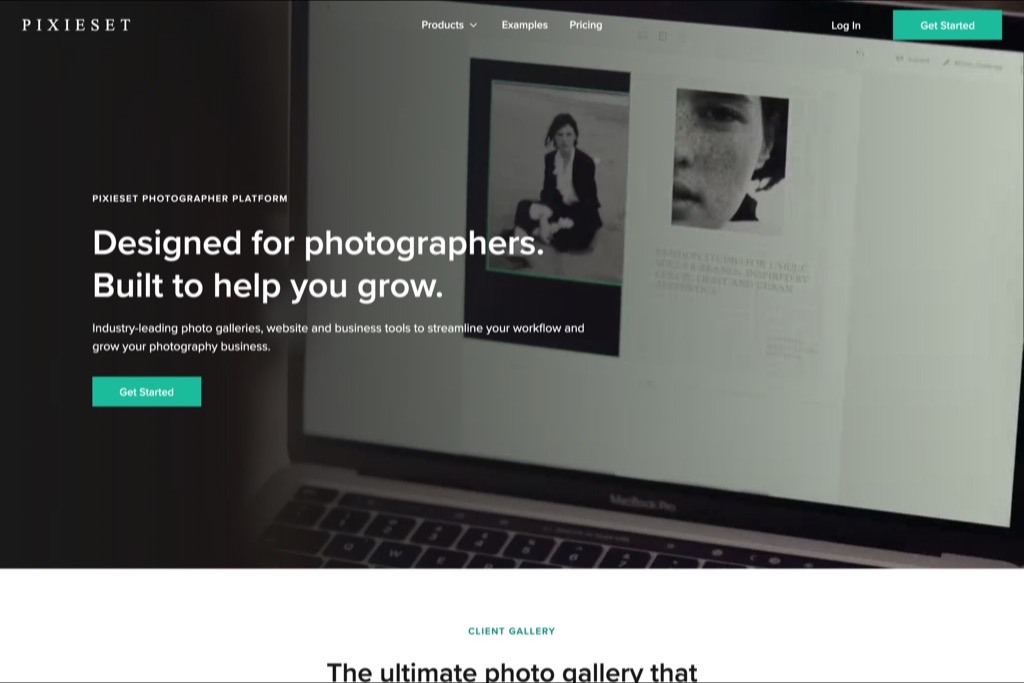
Pixieset comes at this from the opposite direction to the general builders: it is a client-gallery and photo-delivery platform that also gives you a website. The free tier includes 3 GB of storage, which is the most generous free allowance in this list and enough for a working portfolio plus a couple of live client galleries.
If your actual daily problem is getting finished images to clients — proofing, favourites, download permissions — this is the only free option here that solves it. The website is competent rather than remarkable, but it is attached to the tool you would be paying for anyway.
Pros
- 3 GB on the free tier, the largest here
- Client galleries, proofing and downloads included
- Paid plans start at $8/month
Cons
- Website design is more limited than a general builder
- Storage fills quickly if you deliver full-resolution files
- Built around client delivery, so a pure portfolio gets less attention
3. Carrd
- Free plan
- Yes — up to three sites
- Best for
- A one-page portfolio you can build in an evening
- Palette sampled from the page
- #734B73#2A4383#67698C
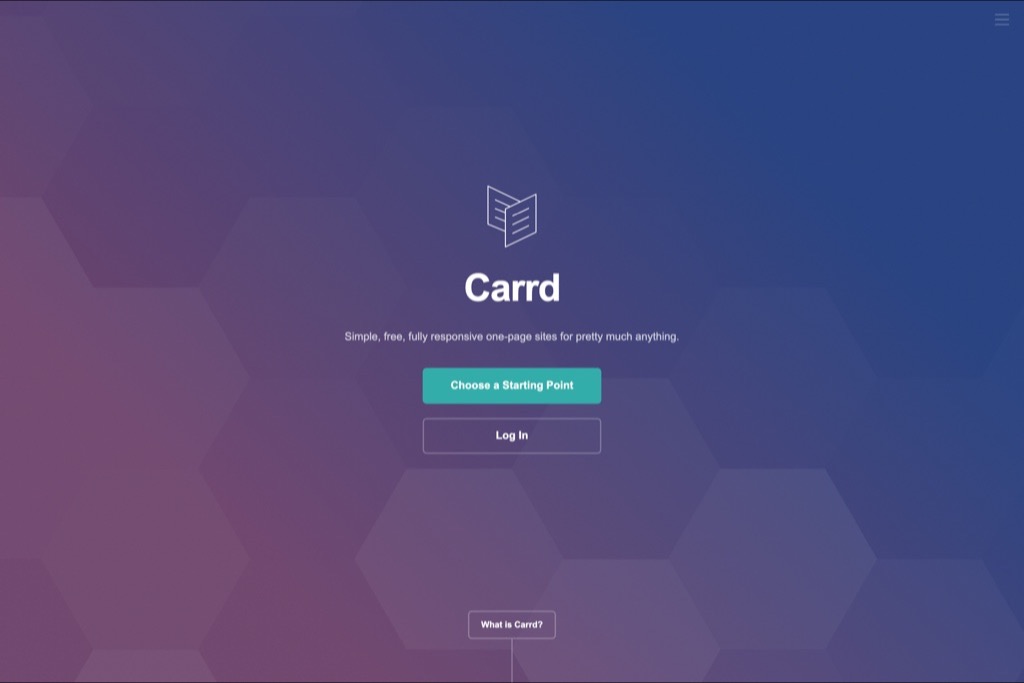
Carrd builds one-page sites and nothing else, and that constraint is the whole point. For a photographer who needs a link in an Instagram bio — a few images, a line about what you shoot, an email address — it is faster than every other option here and looks considerably better than a free plan has any right to.
The free tier covers up to three sites. It will not run a multi-category portfolio or a client area, and it is not trying to: this is the right answer when the alternative is having no website at all for another six months.
Pros
- Free tier covers three separate sites
- Genuinely quick — an evening, not a weekend
- Pro plans are $19 a year, not a month
Cons
- One page only, by design
- No client galleries or proofing
- Custom domains require the paid plan
4. SITE123
- Free plan
- Yes — 250 MB free plan
- Best for
- The least technical option
- Palette sampled from the page
- #FFFFFF#17171A#E0E3E9#B6BFCD#5A85B7
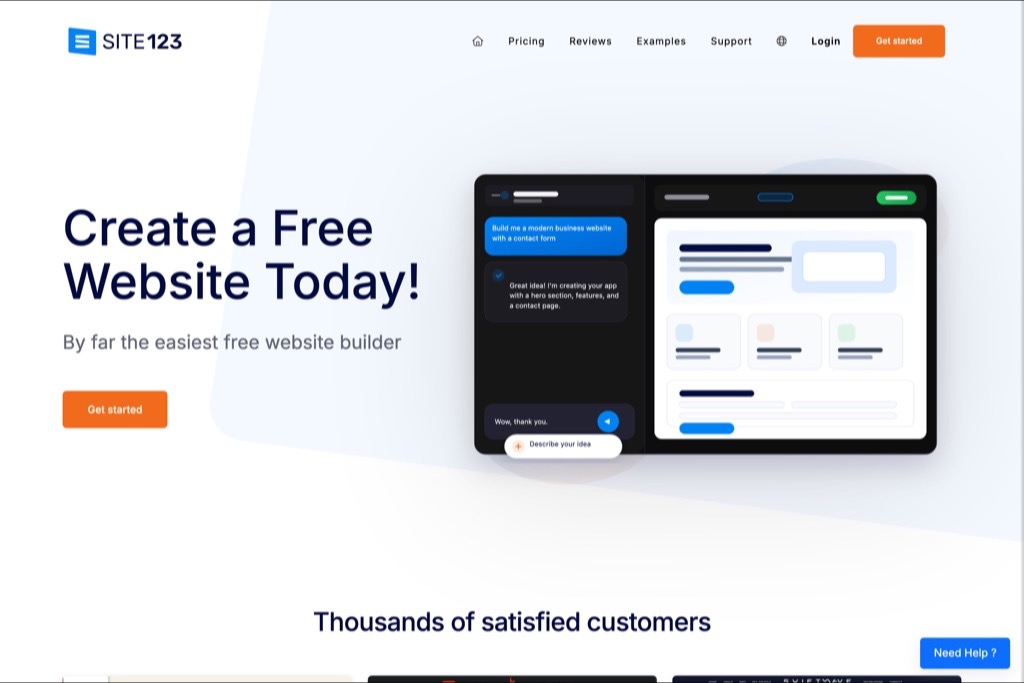
SITE123 leads with being easy rather than being powerful, and for a photographer who genuinely does not want to make design decisions that is a reasonable pitch. You answer a few questions and it assembles a site.
The free plan is capped at 250 MB of storage, which is the number to pay attention to. That is perhaps fifty to eighty properly compressed web images — workable for a tight portfolio, immediately restrictive for anything else. Paid plans start at $7.80/month.
Pros
- Fastest setup of anything here
- Free plan with no time limit
- Cheap first paid tier at $7.80/month
Cons
- 250 MB free storage is genuinely tight for photography
- Templates are noticeably more generic
- Design control is limited by design
5. Webador
- Free plan
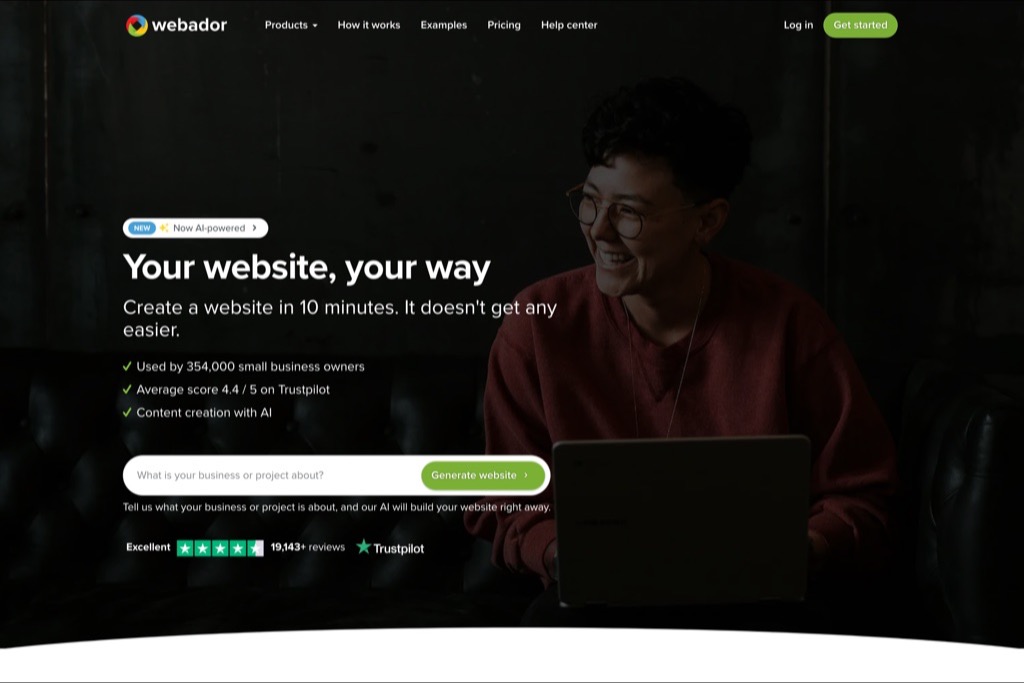
- Yes — free plan available
- Best for
- A simple site with a domain included later
- Palette sampled from the page
- #090A08#FFFFFF#332220#939C8E
Webador is the least famous name here and the most straightforward. There is a free plan, the editor is simple, and the paid tiers include a domain for the first year — which quietly removes the most common reason a free site never gets upgraded.
It is not built for photographers specifically, so there is no proofing, no client area and no print sales. As a place to put a portfolio and a contact form while you decide whether the business is real, it does the job without fuss.
Pros
- Free plan with no trial clock
- Domain included on paid plans for the first year
- Simple enough to finish in one sitting
Cons
- No photography-specific features at all
- Smaller template range
- Little design control beyond the presets
6. Behance
- Free plan
- Yes — completely free
- Best for
- Exposure rather than a website
- Palette sampled from the page
- #FFFFFF#D1B9BD#E7E2E3#3A599A#898AAC
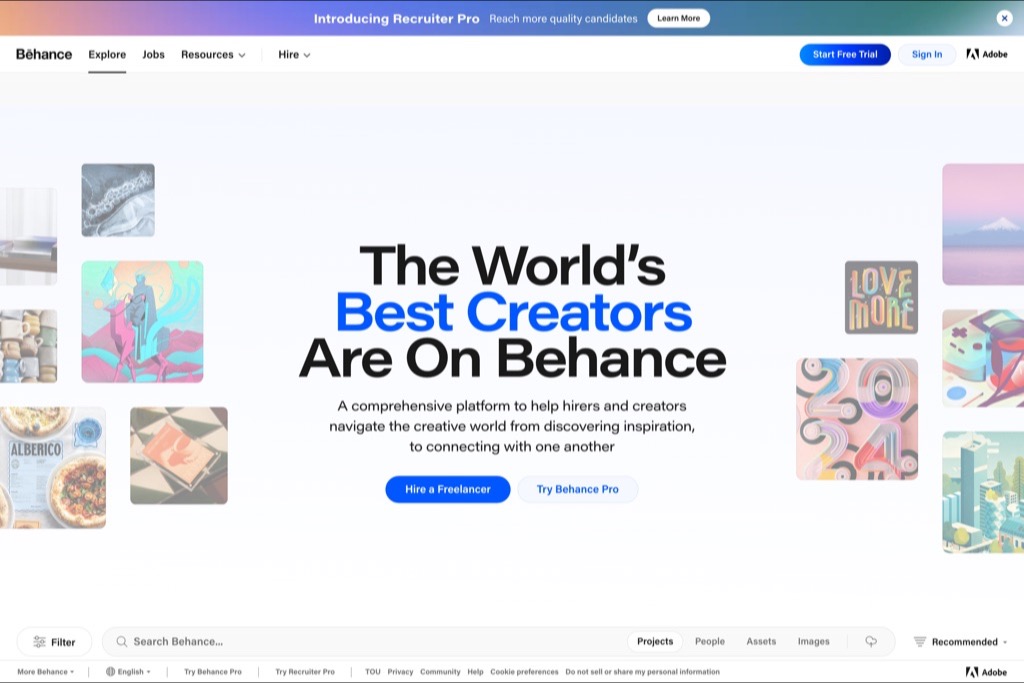
Behance is free in a way none of the others are: there is no plan to upgrade to, because it is a portfolio network rather than a website builder. You publish projects and they sit inside Adobe’s discovery platform, in front of an audience that already includes art directors.
What you do not get is a website. There is no custom domain, no control over layout, and no way to separate a commercial enquiry from casual browsing. Treat it as a second place your work lives, not as the first.
Pros
- Free with no upgrade path or limits
- Built-in audience of creatives and hirers
- Fast to publish a project
Cons
- Not a website — no domain, no layout control
- You are one profile among millions
- Nothing you build here is portable
7. Adobe Portfolio
- Free plan
- No — bundled with Creative Cloud
- Best for
- Photographers already paying Adobe
- Palette sampled from the page
- #0768DD#FFFFFF#254779#A9BDDA#D8E5F6
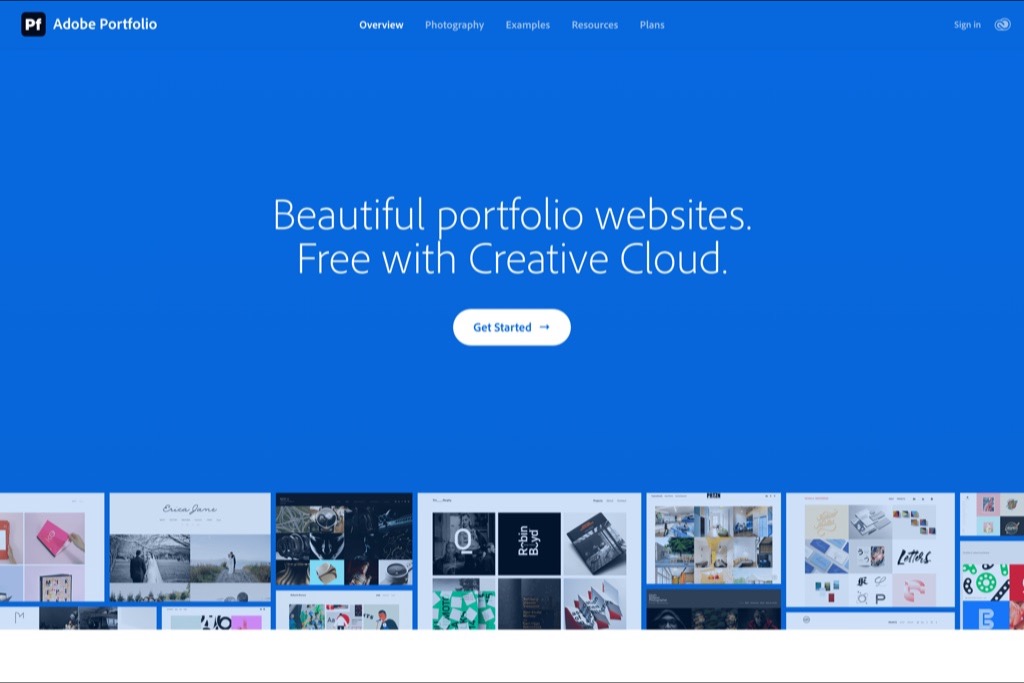
Adobe Portfolio is included with a Creative Cloud subscription, and its own homepage says so plainly: “Free with Creative Cloud.” That is not the same as free. If you are already paying for the Photography plan at $9.99 a month for Lightroom and Photoshop, the site costs you nothing extra and is the best value here by a distance.
If you are not an Adobe subscriber, this is a $9.99/month website with a photo editor attached. It is listed here because it appears on almost every “free builders” roundup without that distinction being made.
Pros
- No extra cost if you already pay for Creative Cloud
- Custom domain included
- Syncs directly with Lightroom
Cons
- Not free standalone — requires a Creative Cloud plan
- Stops working if you cancel Adobe
- Fewer layout options than a general builder
Builders That Are Not Actually Free
These names appear on almost every “free website builder for photographers” list. None of them has a free plan. Every one offers a trial, which is a different thing — the site comes down when the trial ends.
- Squarespace — Trial only. Plans start at $16/month.
- Format — Trial only. No permanent free tier.
- Pixpa — Trial only. Annual plans from roughly $65.
- Cargo — No free plan listed on its pricing page.
- SmugMug — Trial only.
- Zenfolio — Trial only.
They are all worth paying for — several are in our guide to the best photography website builders. They just do not belong in a list of free ones.
What A Free Plan Actually Costs You
Three things, and only one of them is obvious.
The subdomain
This is the real cost. A portfolio at a builder’s subdomain tells a client how much you have invested in the business, and any search authority the pages earn belongs to the builder’s domain rather than yours. Move to a domain you own as soon as the first commission pays for it.
The storage cap
250 MB sounds like nothing and is nothing if you upload straight from the camera. Exported properly — around 1600px on the long edge, quality 75 — the same allowance holds a serviceable portfolio. Our guide to speeding up a photography website covers the export settings, and they matter more on a free plan than anywhere else.
The migration you will eventually do
Nothing you build on a free plan is portable. There is no export that carries the design to another builder, so the work is done twice. That is an acceptable price for getting online this month — just do not spend three weeks perfecting something you will rebuild.
Which One Should You Choose?
The answer depends less on the builder than on what you are actually trying to do this month.
You need a portfolio online this week
Carrd. One page, an evening’s work, and it will look better than a half-finished multi-page site. Twenty images, a line about what you shoot, an email address. You can rebuild properly later; what you cannot do is keep telling enquiries you are “just finishing the website”.
You are already delivering photos to clients
Pixieset. The 3 GB free tier is the most generous here, and more importantly it solves the problem you actually have every week — getting finished images to people, with proofing and download control — rather than the one you have once.
You want the site to grow into the real thing
Wix. It is the only free plan here that is the full product with the address withheld, so upgrading is a billing change rather than a rebuild. Just decide on the template before you publish, because Wix does not let you swap it afterwards.
You already pay Adobe every month
Adobe Portfolio, and it is not close. A custom domain and Lightroom sync for no additional cost beats every genuinely free option on this list. If you cancel Creative Cloud the site goes with it, which is the one thing to be aware of.
When To Stop Using A Free Plan
There is a clear moment, and most photographers pass it without noticing: the first time you give the address to a paying client out loud. If saying “dot wixsite dot com” makes you wince, the free plan has finished its job.
Two other signals are worth watching. If you have started deleting older work to stay under the storage cap, you are letting the plan edit your portfolio for you. And if you are turning down the idea of a blog, a booking page or a client area because the plan will not carry it, the free tier has become the thing shaping the business rather than supporting it.
Moving is cheaper than it feels. Because free plans keep you on a subdomain, there is rarely any search ranking to preserve — the authority was never yours. Buy the domain, rebuild once with the images you have already exported, and set the old address to redirect if the builder allows it. What you cannot recover is time, which is the argument for not spending three weekends perfecting a site you will replace.
If the next step is a site built for you rather than by you, that is what we do — see website design for photographers, or how much a photography website costs once you factor in hosting and maintenance.
Free Versus The Cheapest Paid Plan
Here is the question these roundups tend to skip. Four of the platforms above start paid plans at between $7.80 and $10 a month. That is $94 to $120 a year — roughly one portrait session, or an hour of shooting for most working photographers. So is free actually the right choice?
What the first paid tier usually buys
Almost always the same three things: your own domain, the builder’s branding removed, and materially more storage. Occasionally a fourth — Webador includes a domain for the first year, which is worth about $15 on its own.
Of those, the domain is the one that changes outcomes. Everything else is comfort. A client who receives yourname.com in an email reads a business; the same client receiving a builder subdomain reads a hobby, whether or not that is fair. If you are quoting for paid work, that difference costs more than $94 a year.
When free is genuinely the right answer
Three situations, and they are more common than the upgrade-now advice suggests.
You are still deciding what you shoot. A portfolio built around weddings is a different site from one built around editorial, and rebuilding is cheaper than committing early. Pay once the direction is settled.
You need something online this week. A free one-page site that exists beats a perfect paid site that is still three weekends away. The most expensive website is the one you never launch.
The site is a secondary channel. If the work genuinely arrives through Instagram, referrals or an agent, a free portfolio as a formal reference point is proportionate. Not every photographer needs the site to do the selling.
When free costs you money
The moment you start quoting for commissioned work. At that point the subdomain is doing active damage in a way that is impossible to measure and easy to reason about: you are one of three photographers being compared, and you are the one whose address contains somebody else’s brand name.
The storage cap costs money in a subtler way. When the plan is full, the instinct is to delete older work rather than upgrade — which means the platform is editing your portfolio according to its billing tiers rather than your judgement. That is a bad way to decide what a client sees.
A reasonable sequence
Start free on whichever platform matches the job — Carrd if you need speed, Pixieset if you are already delivering to clients, Wix if you want it to grow. Give yourself a deadline rather than a standard: online in a week, not perfect in a quarter.
Buy the domain as soon as the first commission lands, and point it at whatever you have. Upgrade the plan when the storage stops you doing something you actually want to do, not before. And treat everything built on a free plan as a draft — because when you do move, none of it comes with you.
Free to download
Two of our five designs are free, under an MIT licence, for personal or client work. Each one is a finished site — open index.html and edit it, or rebuild it from the Astro source. The photographs are Unsplash placeholders; swap them for your own before you launch.
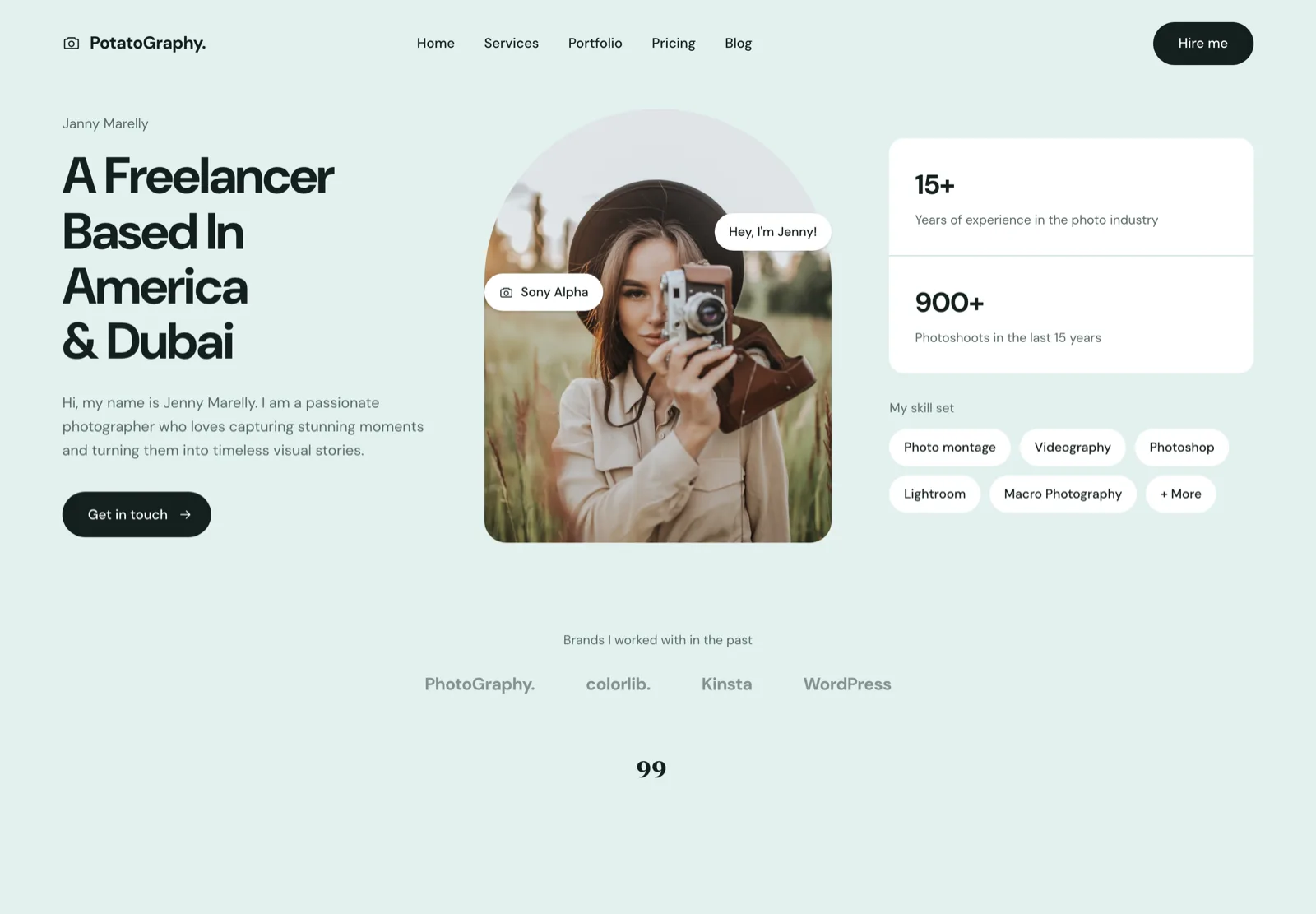
One page, one story, one call to action. The right shape when the whole site is the pitch — a hero, a skill set, a testimonial and a contact form, and nothing else to maintain.
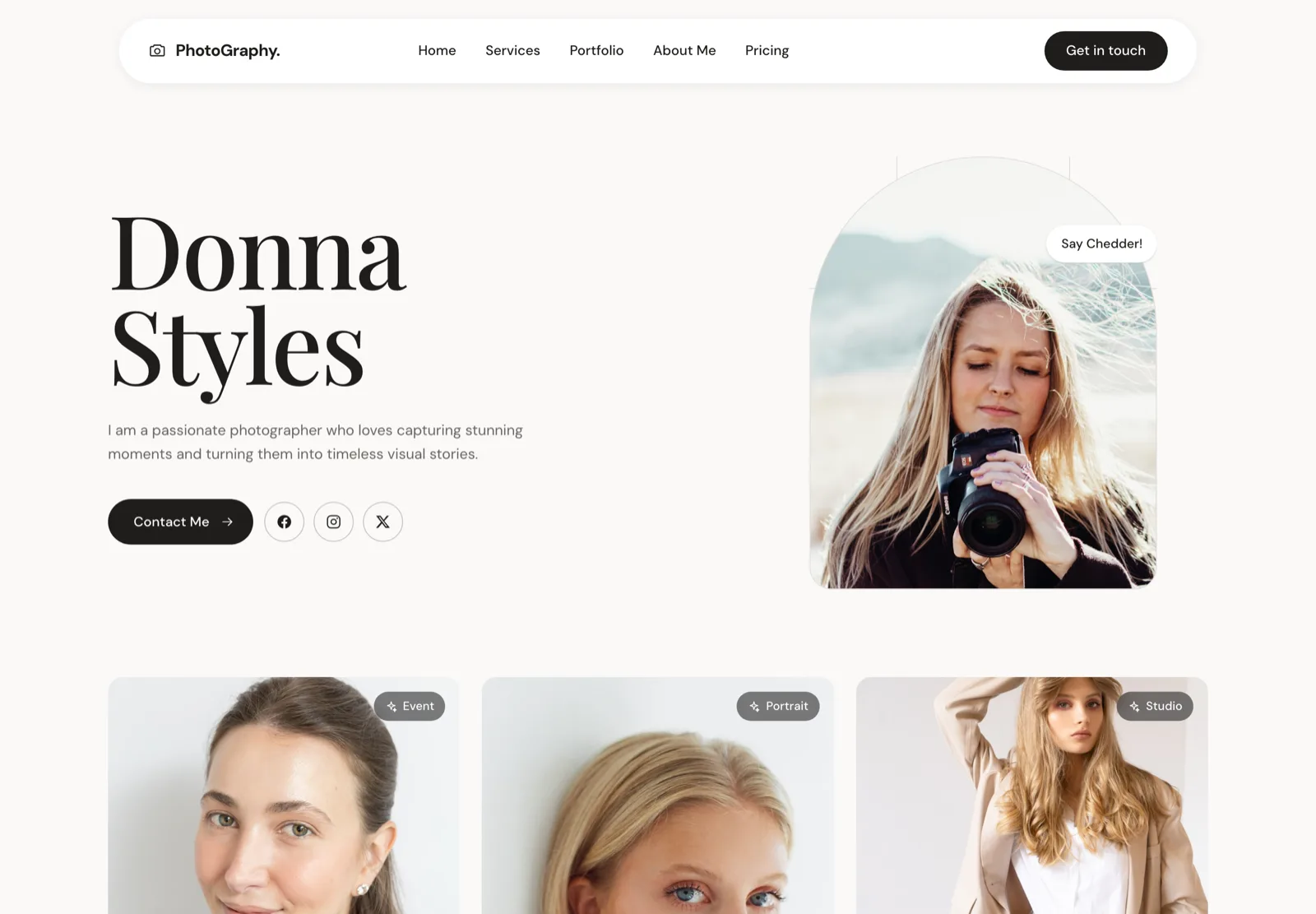
Built for the photographer whose booking depends on the client liking them. Portrait hero, an about-led structure, and contact details that follow you down the page.
The other three designs — wedding, fashion and agency — are available personalised to your brand and photographs, from $2,100. See website design for photographers, or open all five live demos.
Frequently asked questions
Is a free website builder good enough for a professional photographer?
For a first portfolio, yes. For a business you expect to be paid through, no — the branded subdomain is the problem, not the design. Clients comparing three photographers will read yourname.wixsite.com as a signal about how established you are. Use free to get online this month, then move to a custom domain as soon as the first job pays for it.
Which free plan gives the most storage?
Pixieset, at 3 GB. SITE123 gives 250 MB, which is roughly fifty to eighty properly compressed web images. Storage is the limit that bites photographers first, because the instinct is to upload full-resolution files. Export at around 1600px on the long edge and the same allowance goes several times further.
Can I use my own domain on a free plan?
Generally no. Every builder here reserves custom domains for paid plans — it is the main thing they are selling. Adobe Portfolio is the exception in that a domain is included, but only because you are already paying for Creative Cloud.
Do free website builders hurt SEO?
Not directly. Google ranks pages, not platforms. What does hurt is what usually comes with free plans: a subdomain you do not own, slower shared infrastructure, and injected builder branding. The subdomain is the real cost — any authority you build accrues to the builder’s domain, and you cannot take it with you.
What is the catch with a free website builder?
Storage caps, a branded subdomain, and in most cases the builder’s own advertising on your pages. None of that is hidden, but it is easy to discover after you have spent a weekend building. Check the storage number and the domain policy before you start, not after.